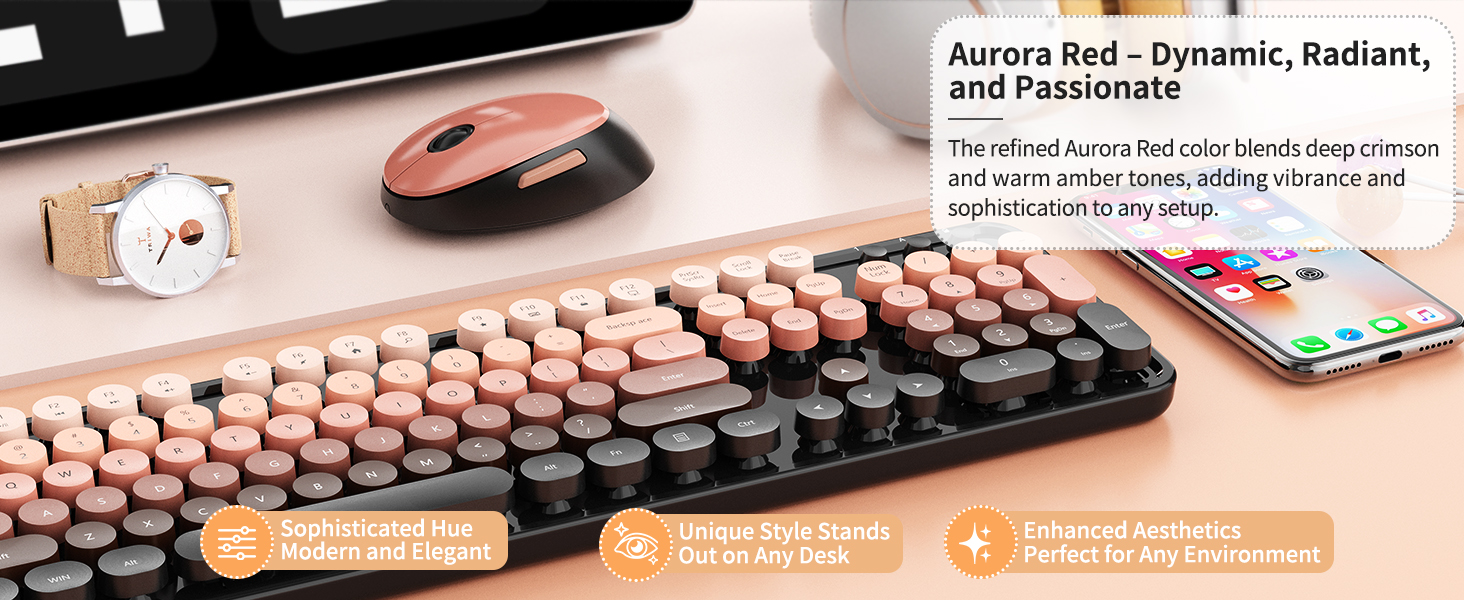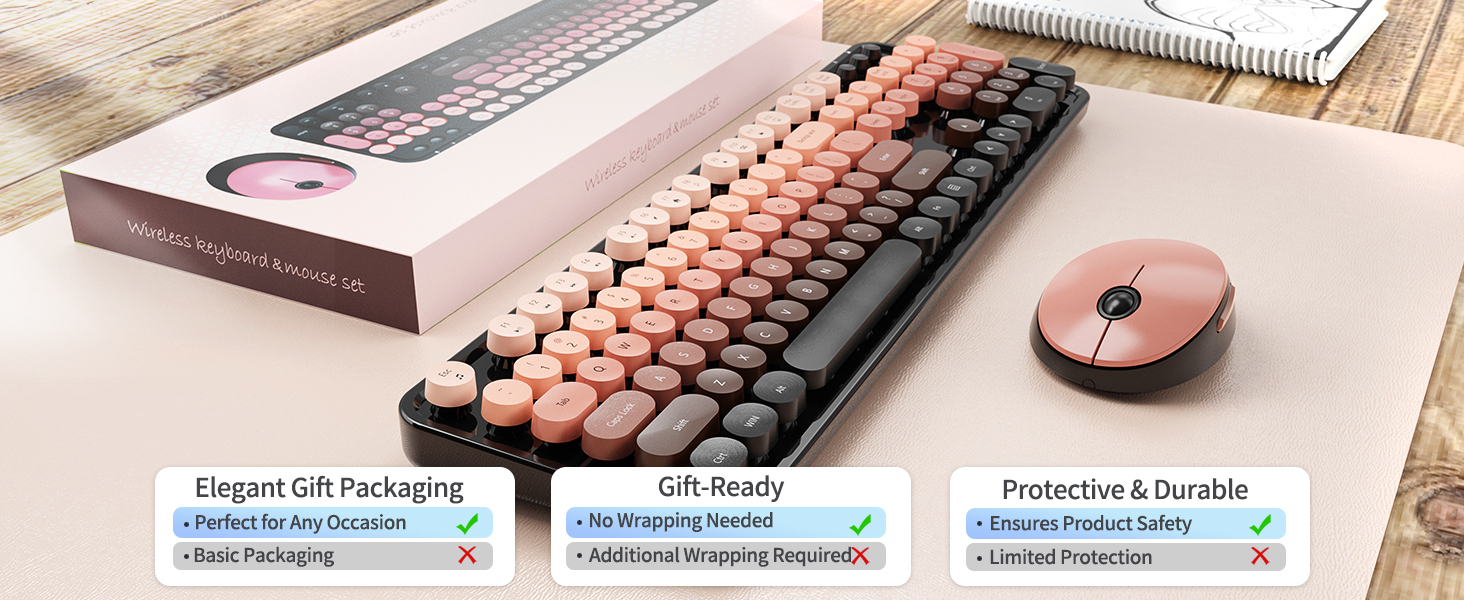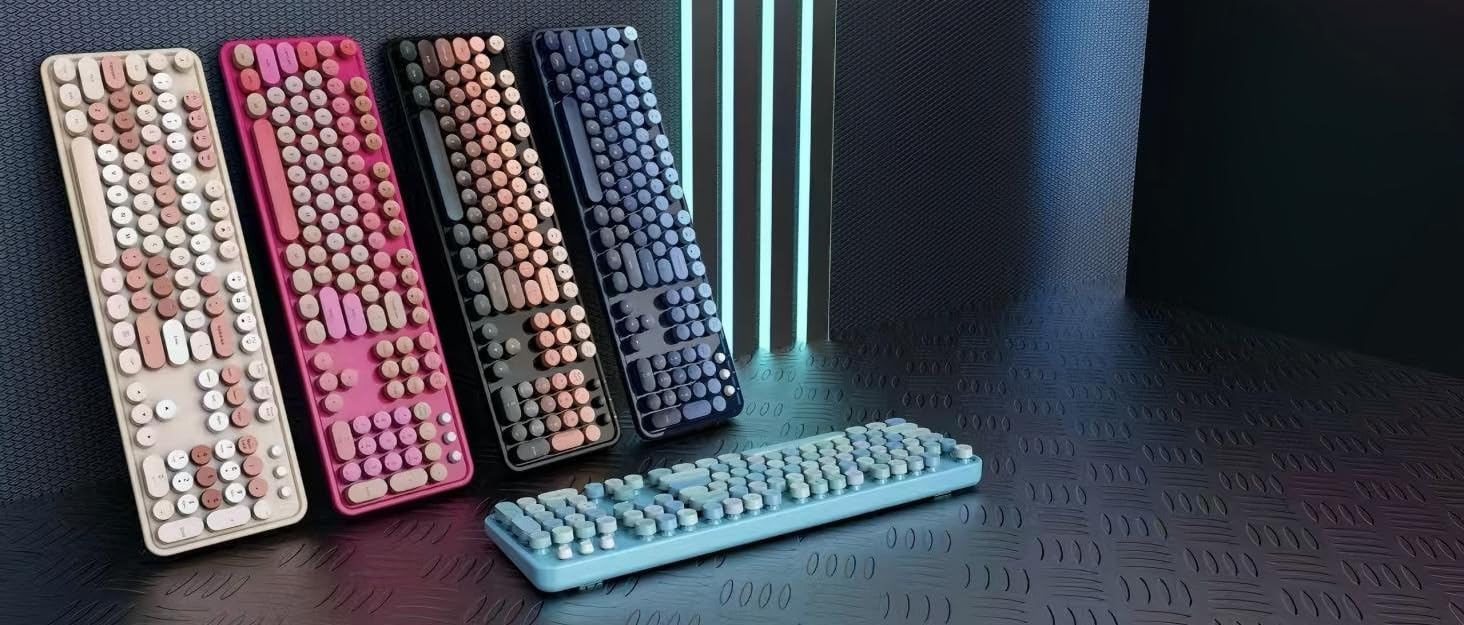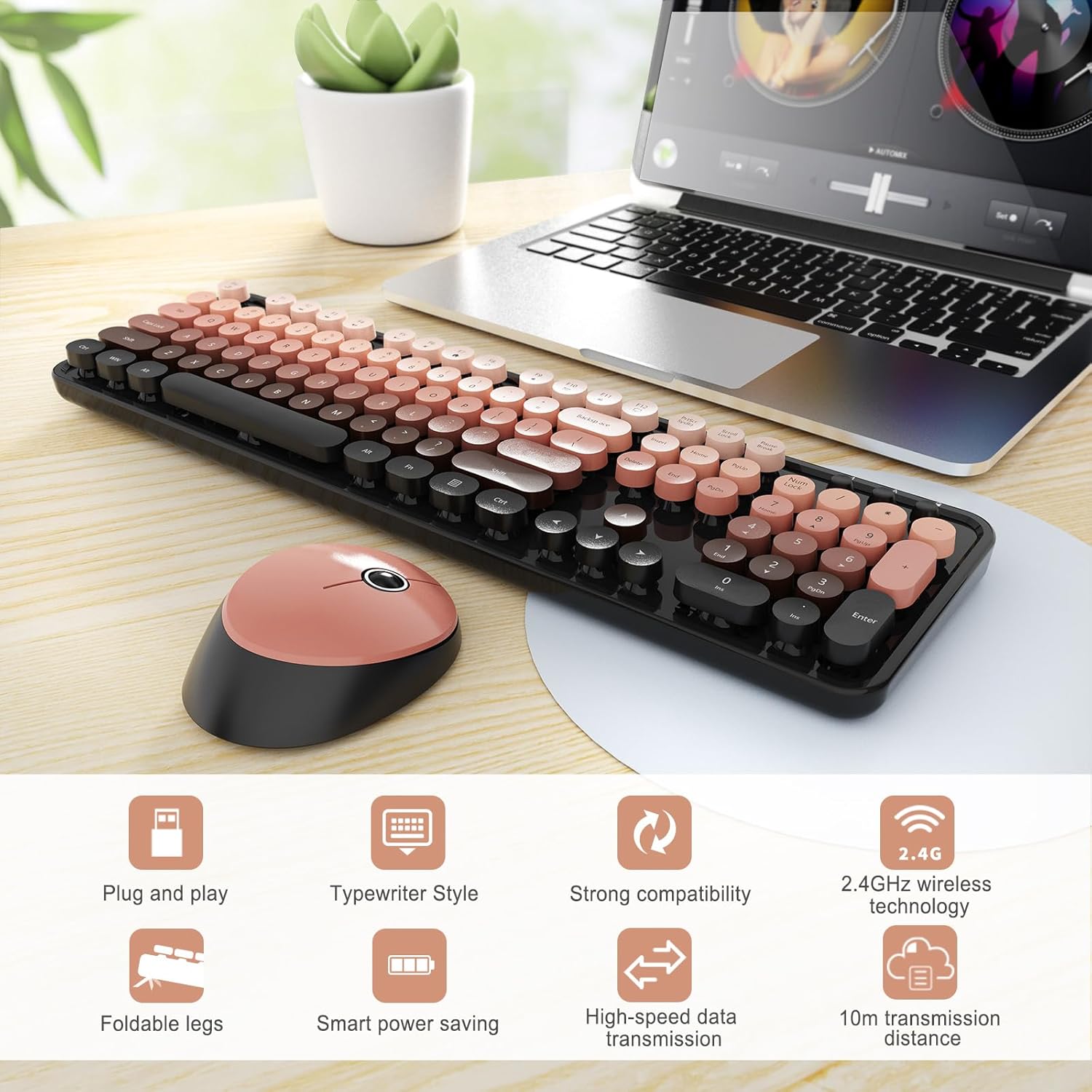
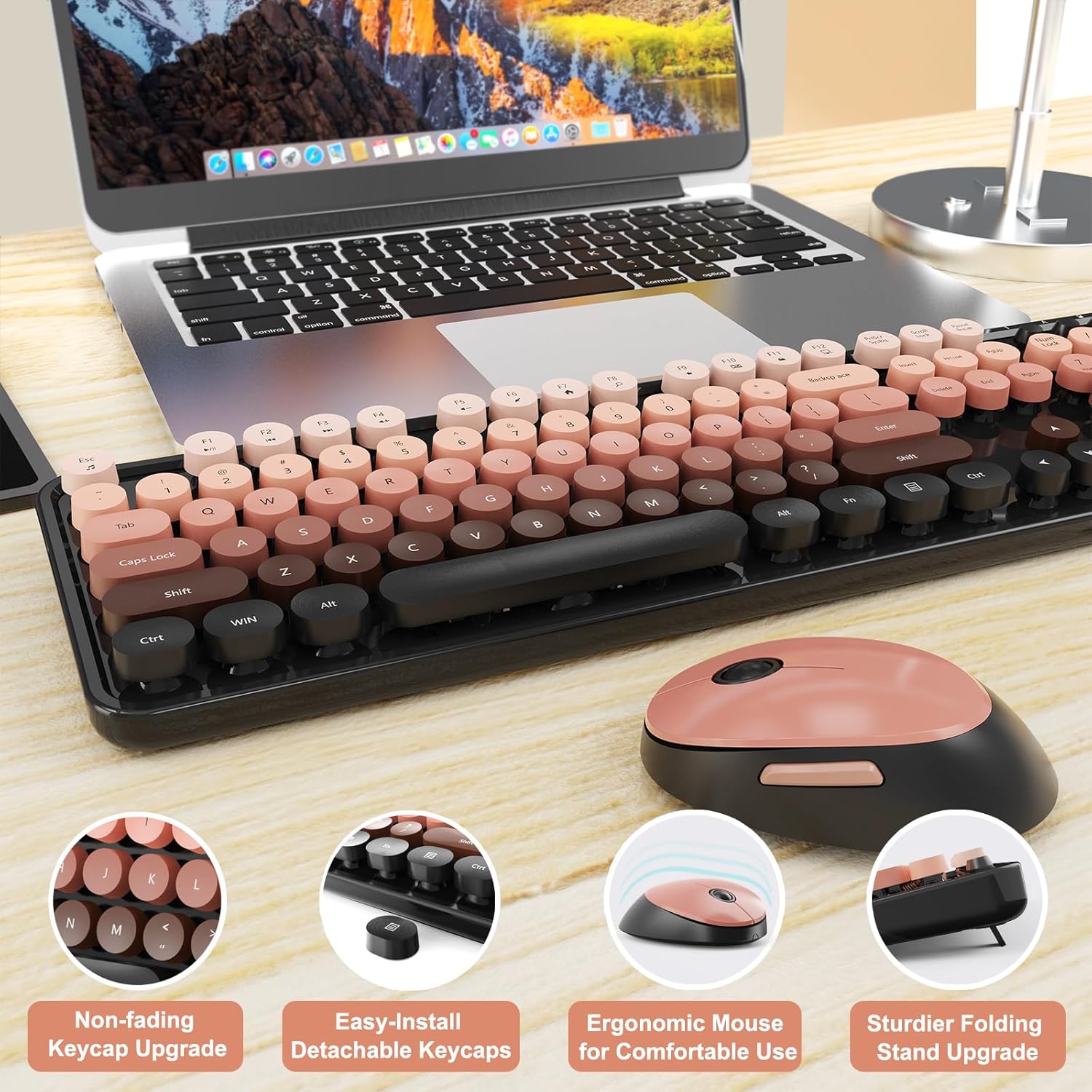
Wireless Keyboard and Mouse Combo, Ergonomic Full Size Typewriter Retro Round Keycaps Keyboard, Compatible with Windows, PC, Perfect for Home and Office Keyboards (Aurora Red)
Wireless Keyboard and Mouse Combo, Ergonomic Full Size Typewriter Retro Round Keycaps Keyboard, Compatible with Windows, PC, Perfect for Home and Office Keyboards (Aurora Red) thumbnail Wireless Keyboard and Mouse Combo, Ergonomic Full Size Typewriter Retro Round Keycaps Keyboard, Compatible with Windows, PC, Perfect for Home and Office Keyboards (Aurora Red) thumbnail Wireless Keyboard and Mouse Combo, Ergonomic Full Size Typewriter Retro Round Keycaps Keyboard, Compatible with Windows, PC, Perfect for Home and Office Keyboards (Aurora Red) thumbnail Wireless Keyboard and Mouse Combo, Ergonomic Full Size Typewriter Retro Round Keycaps Keyboard, Compatible with Windows, PC, Perfect for Home and Office Keyboards (Aurora Red) thumbnail Wireless Keyboard and Mouse Combo, Ergonomic Full Size Typewriter Retro Round Keycaps Keyboard, Compatible with Windows, PC, Perfect for Home and Office Keyboards (Aurora Red) thumbnail Wireless Keyboard and Mouse Combo, Ergonomic Full Size Typewriter Retro Round Keycaps Keyboard, Compatible with Windows, PC, Perfect for Home and Office Keyboards (Aurora Red) thumbnail
Wireless Keyboard and Mouse Combo, Ergonomic Full Size Typewriter Retro Round Keycaps Keyboard, Compatible with Windows, PC, Perfect for Home and Office Keyboards (Aurora Red)
$38.49

List Price: 29.99

Coupon : 25%

Rating: 4.3 ★ (53 reviews)

Availability: In Stock

Brand: SkyGive

Category: Keyboard & Mouse Combos

SKU: Aurora Red

Promotion Hot Sale New Arrival

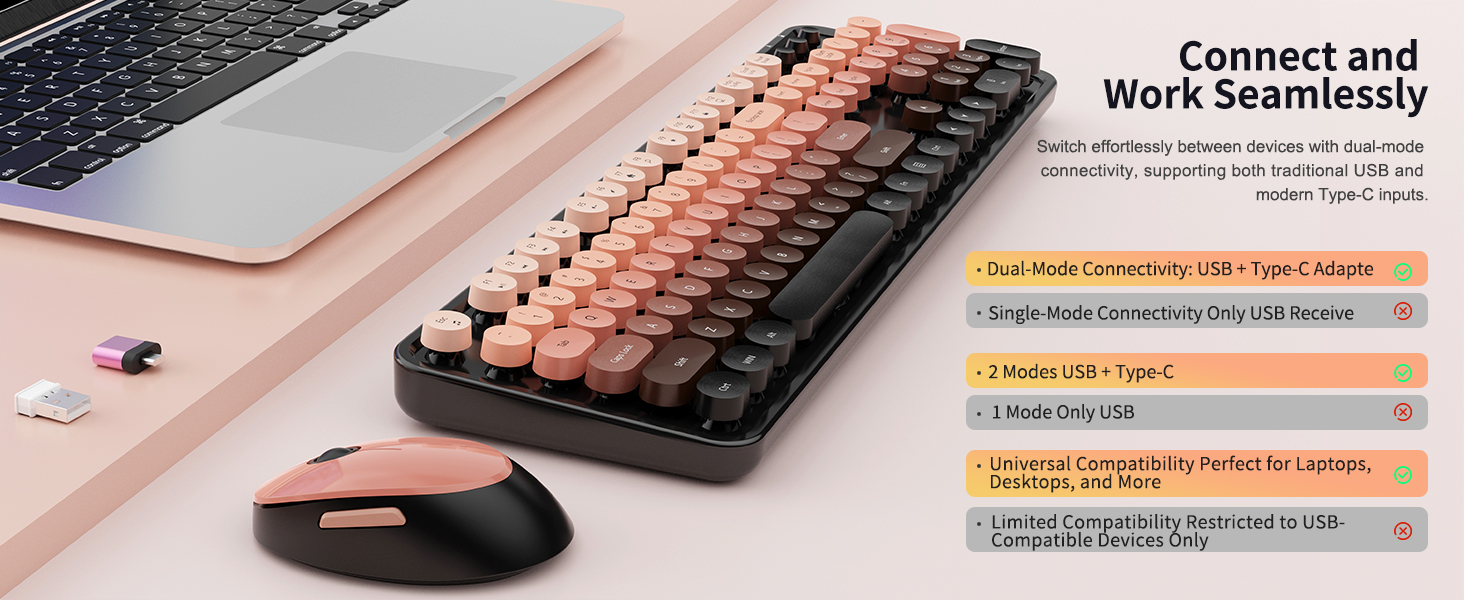
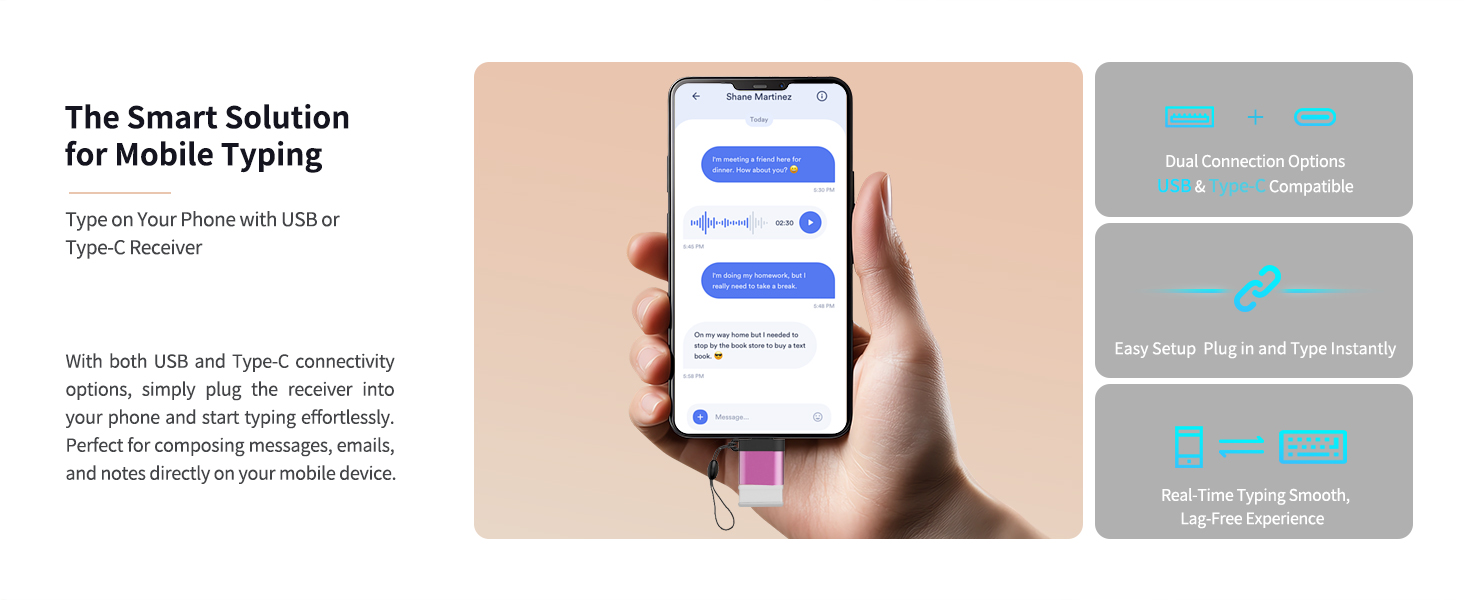
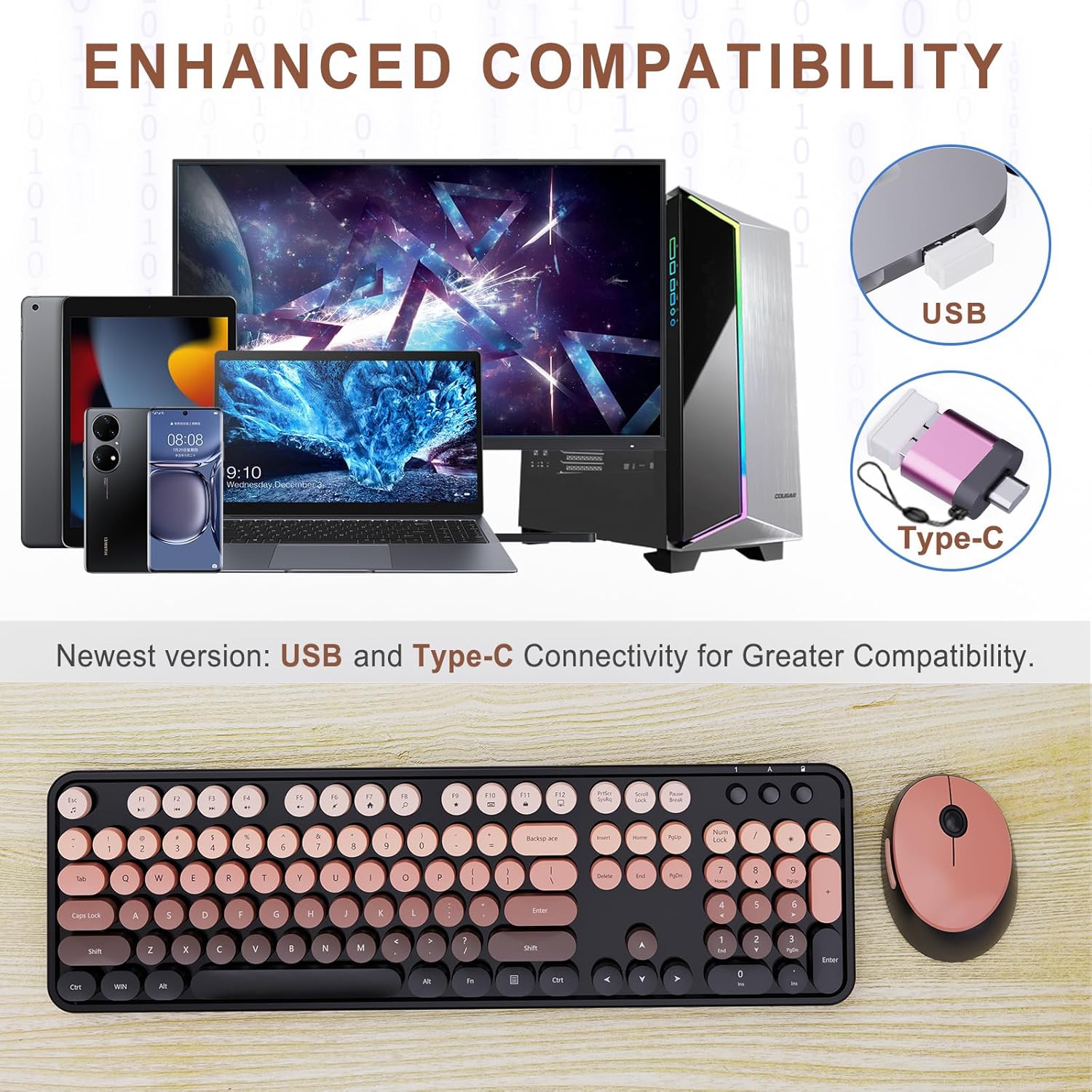
My device only has a USB-C port—can I still use this set?

Yes! Just insert the USB receiver (stored under the mouse) into the included USB-C adapter, then plug it into your device’s Type-C port.

Does this set come with batteries? Is it rechargeable?

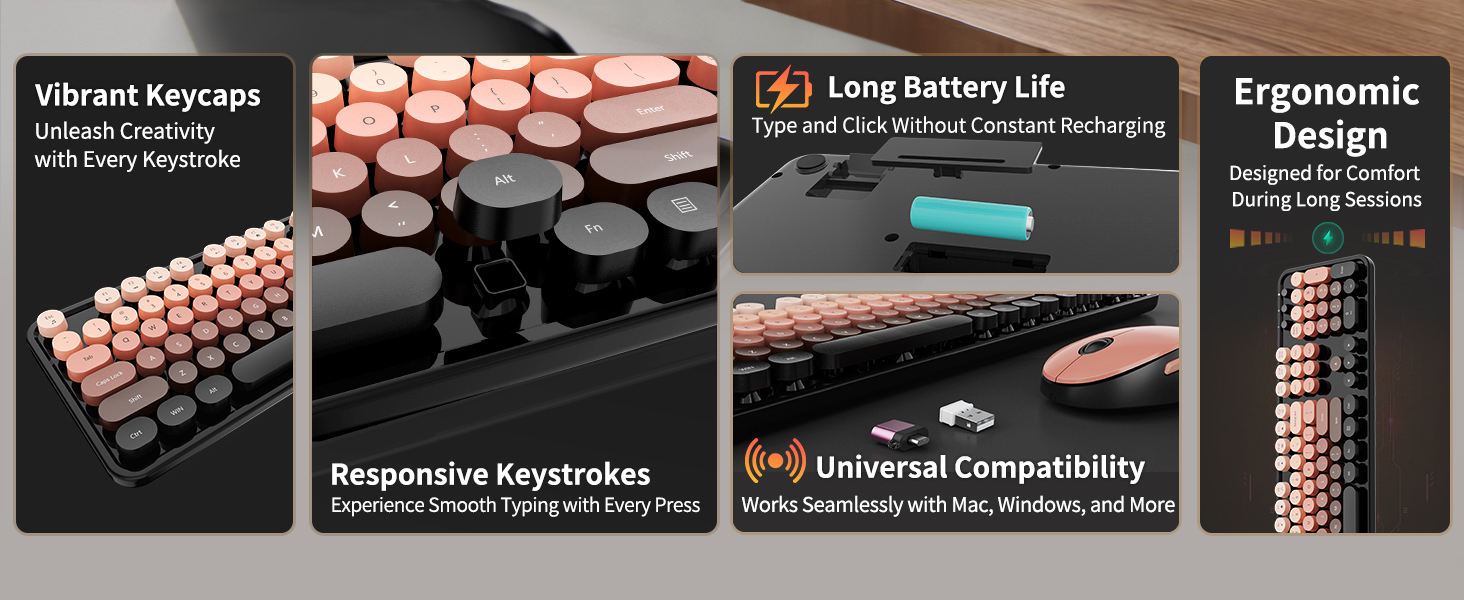
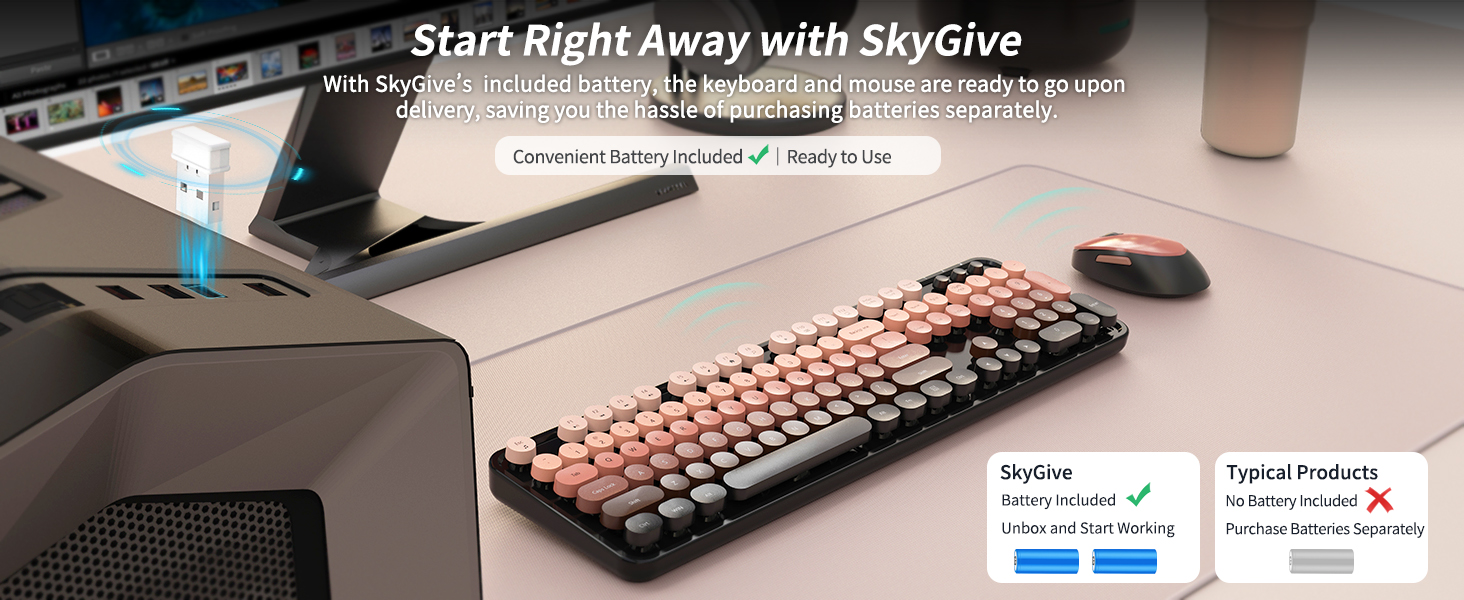
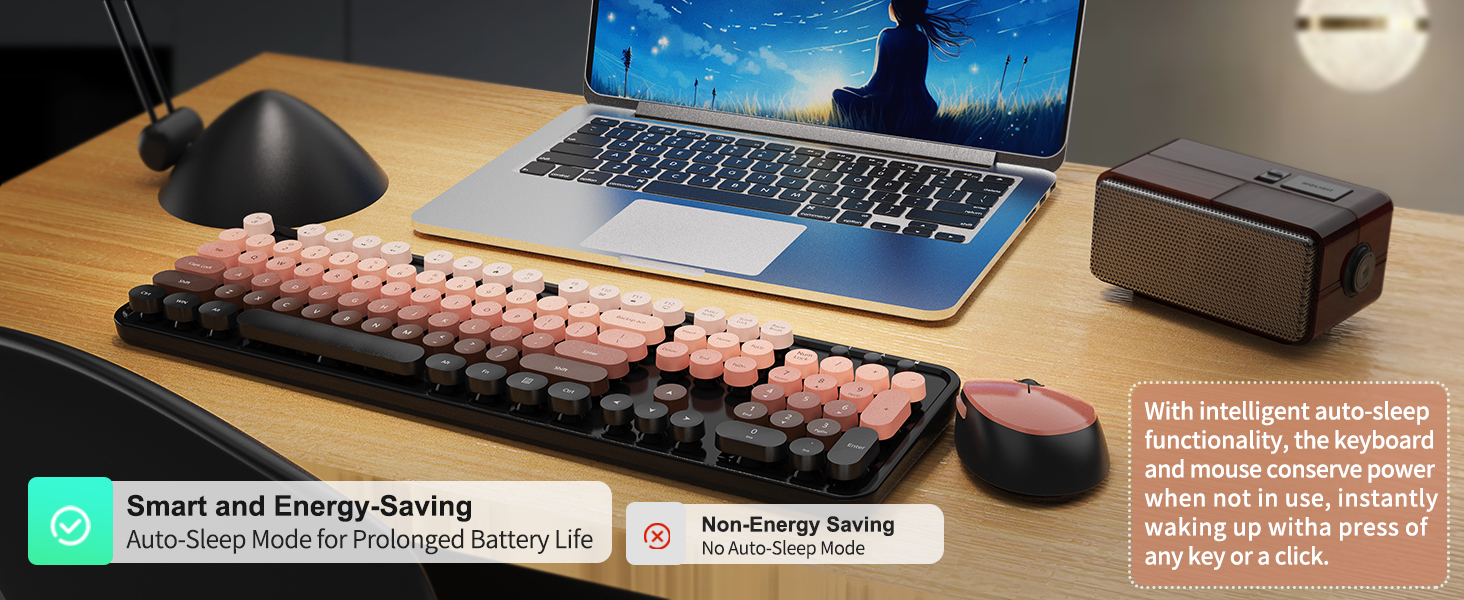
This combo is battery-powered, not rechargeable. Batteries are included in the box so you can use it right away—no need to buy extras.

What should I do if the keyboard or mouse doesn’t connect?

Try re-pairing: remove the USB and batteries, plug in the USB, then reinstall batteries within 10 seconds. Use fresh batteries and check polarity.

Can I use the keyboard or mouse separately?

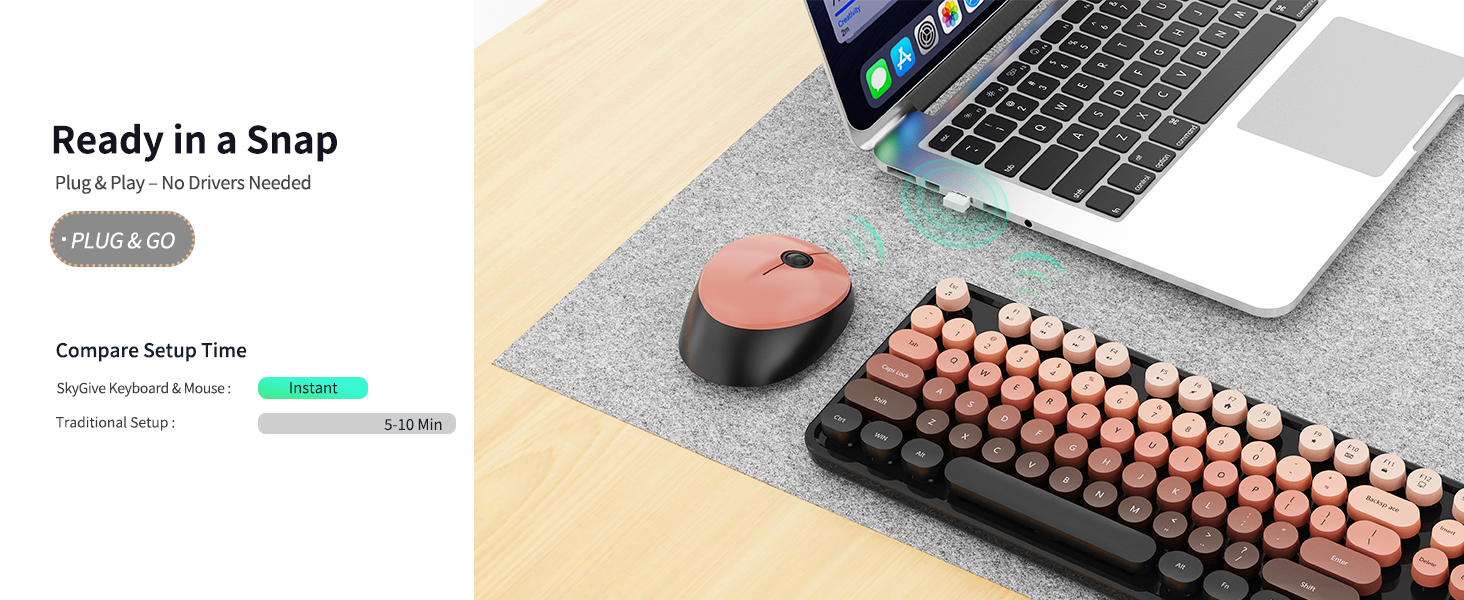
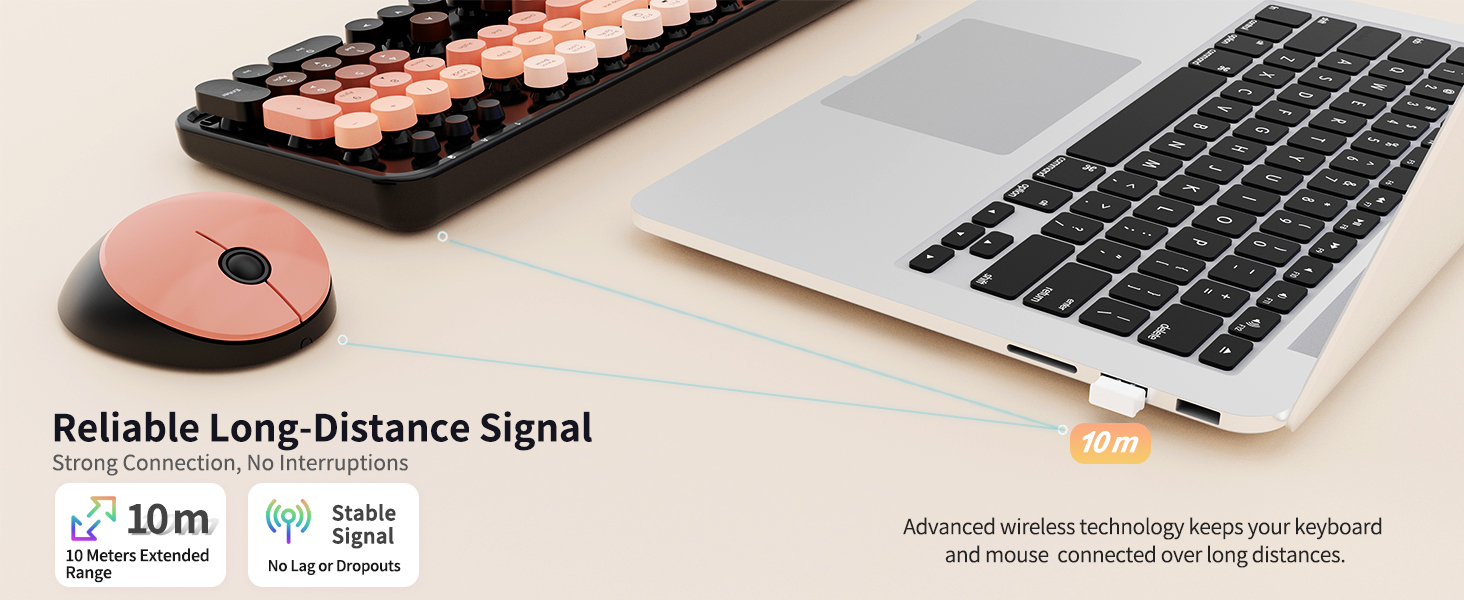
Yes! You can use either one independently, as long as the USB receiver is plugged into your device.

Is this keyboard good for work or school use?

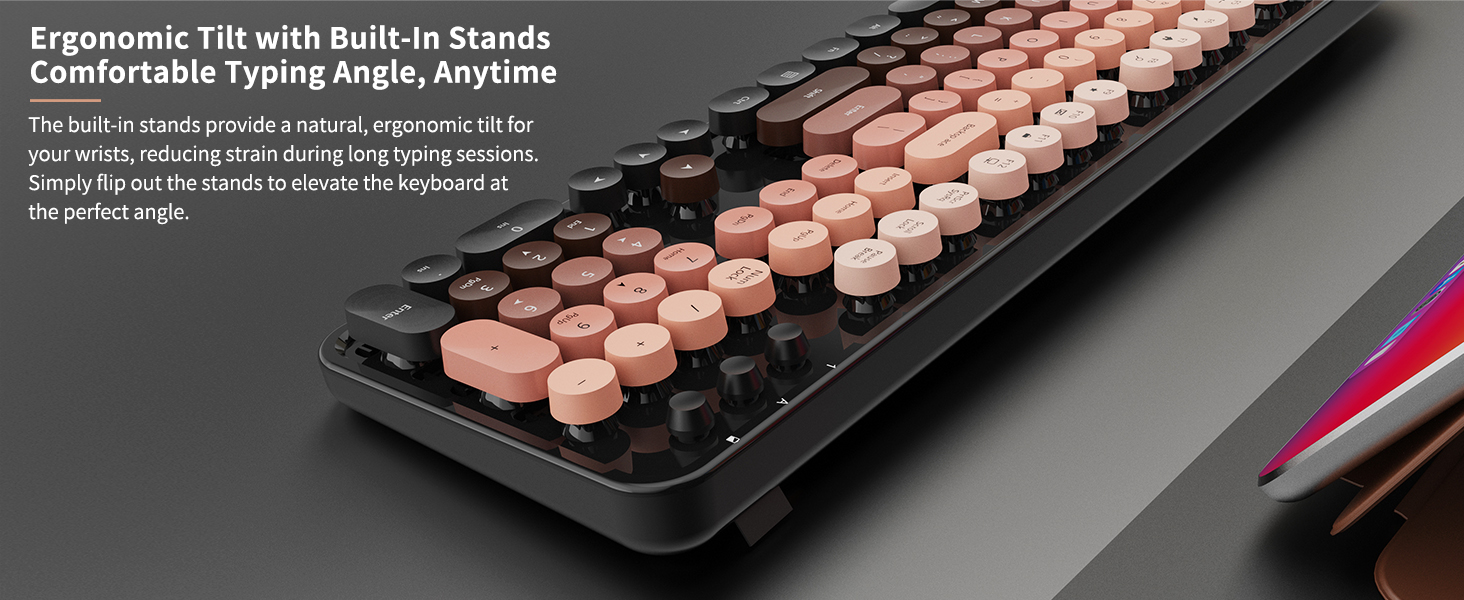
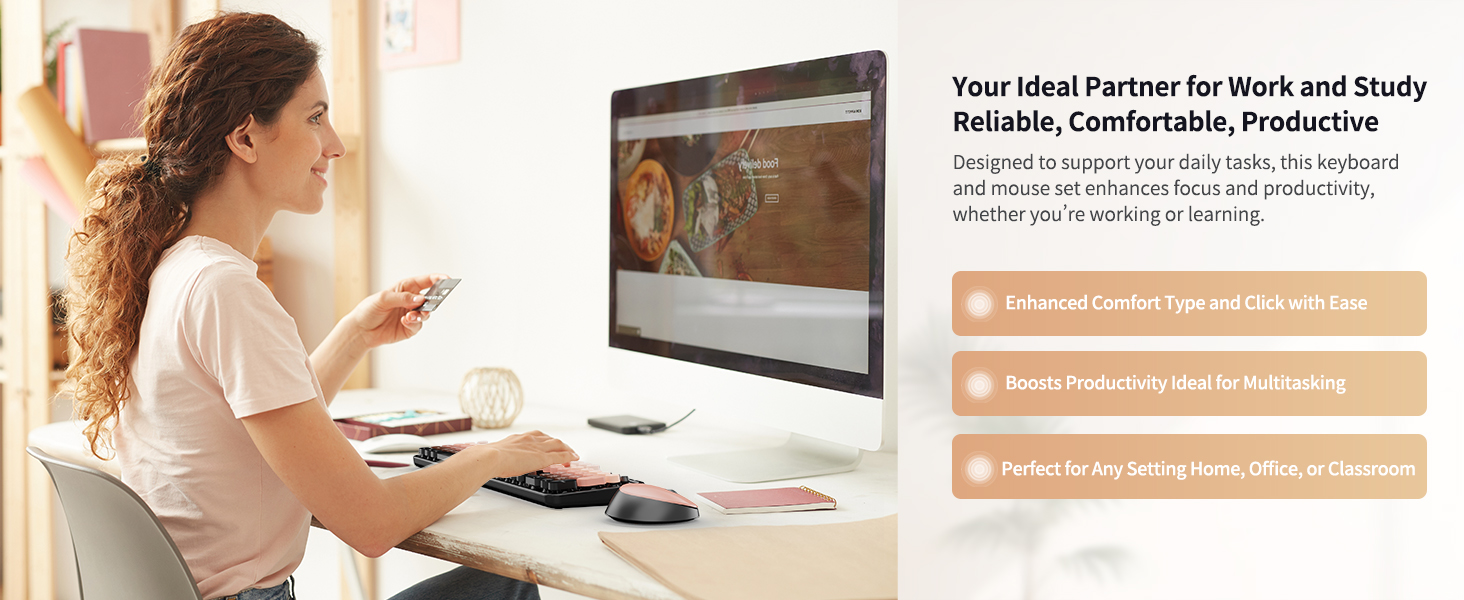
Yes, it’s full-size and comfortable for long typing sessions—perfect for school, office, or home.

Product description

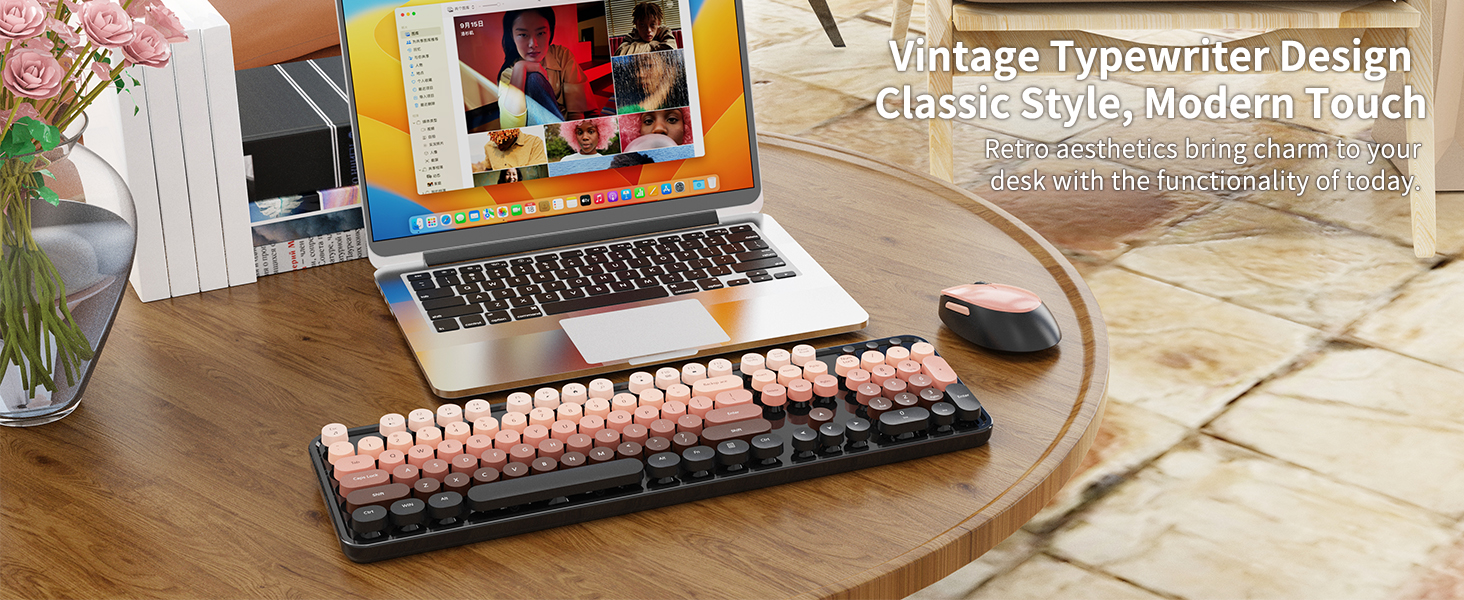
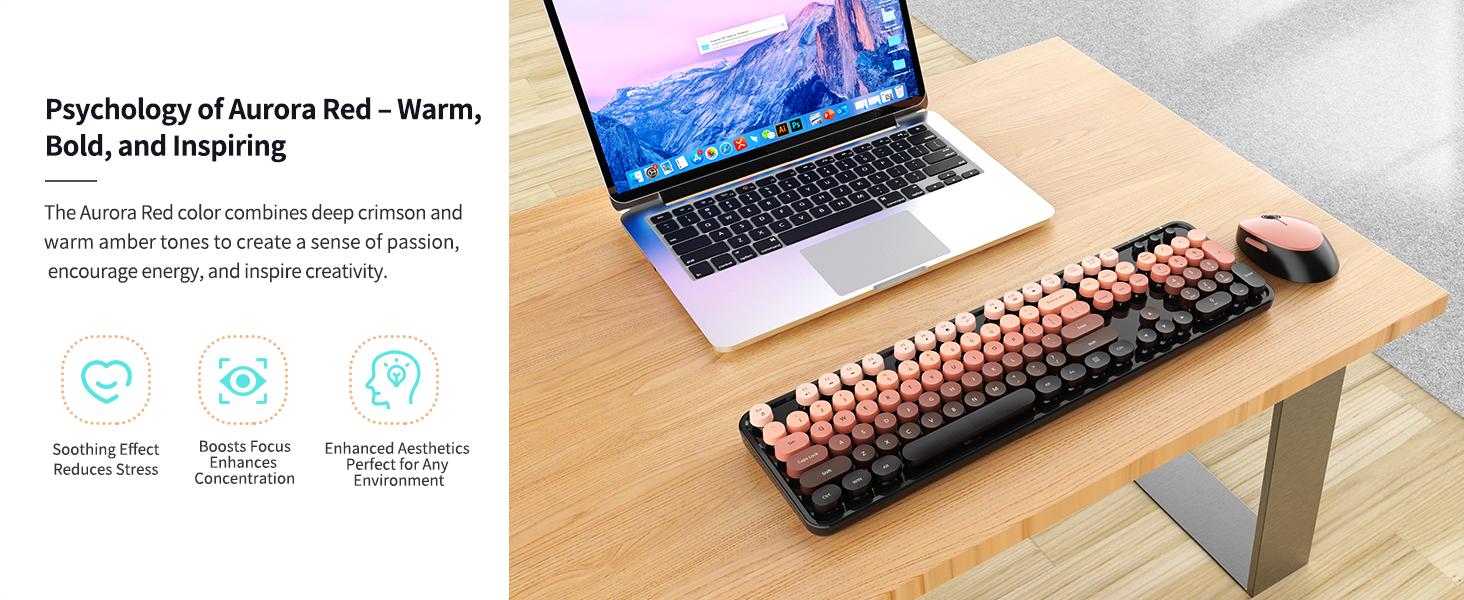
Retro Keyboard and Mouse Cozy Desk Setup

From the brand

Recently Viewed

Guess You Like